
Adapting your player site to your brand in 7 working days: what to send
People planning a turnkey betting website often ask when the player site will be their brand, and what they need to send our team. The short answer is our team's target: 7 working days after you choose a template. Most of the time depends on how fast what you send arrives complete.
Contents
This article is a checklist for brand owners, or whoever handles the brand's work. Each point says what to send, what it is used for, and where in the demo you can see the matching settings page. The labels used: "can be tried in the demo" means you can press it in the demo with sample data, "sample" means there is a page to look at but it is still a draft on the screen, and "designed, not in the demo" means it is laid out in a design but you can't press it in the demo yet.
Not for: people looking for how to build a site from scratch, and individual players, because this article is written for operators who will hand their brand to our team to set up.
Where the 7-working-day clock starts and ends
EVOTEX has two time targets. The first is to open a new brand within 14 to 21 working days after the scope is agreed. The second is to adapt the player site to your brand within 7 working days after you choose a template.
The second sits inside the first. To see all three weeks together, read the plan to open a brand in 14 to 21 working days. This article expands only on the 7 working days of brand work.
What you need to know:
- The 7-day clock starts after you have chosen a template. It doesn't start at the first conversation
- If what you send is incomplete, the clock doesn't help, because our team can't carry on adapting
- Our team sets up admin accounts, team permissions, game providers, and the player site before launch day. Your job is to send everything complete and answer quickly
- Working days don't include Saturdays, Sundays, and holidays, so 7 working days is about a week and a half on the calendar
You can look at the templates you can choose from on the templates page (page in Thai). On that page only one image is the real player site, and the rest are template mockups. There is no live template site to click through for each design yet. How many templates the package includes is on the packages and pricing page (page in Thai)
What to send: a 10-point checklist
This table follows the order our team really works in. The right column says whether the back office demo has a page matching that item. Every page in the demo uses sample data.
| No. | What to send | What it is used for | Where to see a sample in the demo |
|---|---|---|---|
| 1 | The brand name, in Thai and English | The name on the player site and in the back office | The Settings page, the brand information form (can be tried in the demo) |
| 2 | Two logos, for a light background and a dark background | The logo in the header in both modes | The Player site page, the Themes and colors tab, the logo section (can be tried in the demo) |
| 3 | The site icon and the loading image | The icon on the browser tab, and the image shown while the site loads | The Player site page, the logo, icon, and image section (can be tried in the demo) |
| 4 | Banners for desktop and mobile | The big image on the player site's home page | The Player site page, the banners section (can be tried in the demo) |
| 5 | The destination link of each banner | Takes the player to the page you want when they tap the banner | The banner link field, which accepts only https links (can be tried in the demo) |
| 6 | The brand color, a 6-digit color code, or a brand guide file | Sets the color set of the whole player site | The Themes and colors tab (can be tried in the demo, sample data) |
| 7 | Your preferred font and font size | Readability and the personality of the page | The fonts and buttons section (can be tried in the demo) |
| 8 | The page title, description, and the image shown when a link is shared | The text shown in Google and when shared in LINE or Facebook | The Content and SEO tab (sample, a draft on the screen) |
| 9 | The brand's contact channels, and links to the terms and the policy | The footer information that players use to contact the brand | The Settings page, the brand information form (sample, some fields are drafts) |
| 10 | The list of game providers you want to open | The brand's game lobby | The Player site page, the Games and providers tab (can be tried in the demo) |
Point 10 has its own article: read connectable game providers, and turning individual providers on or off. Points 1 to 9 are walked through one by one in the next sections.
Logos, icons, and banners: how to send them so you don't need several rounds of fixes
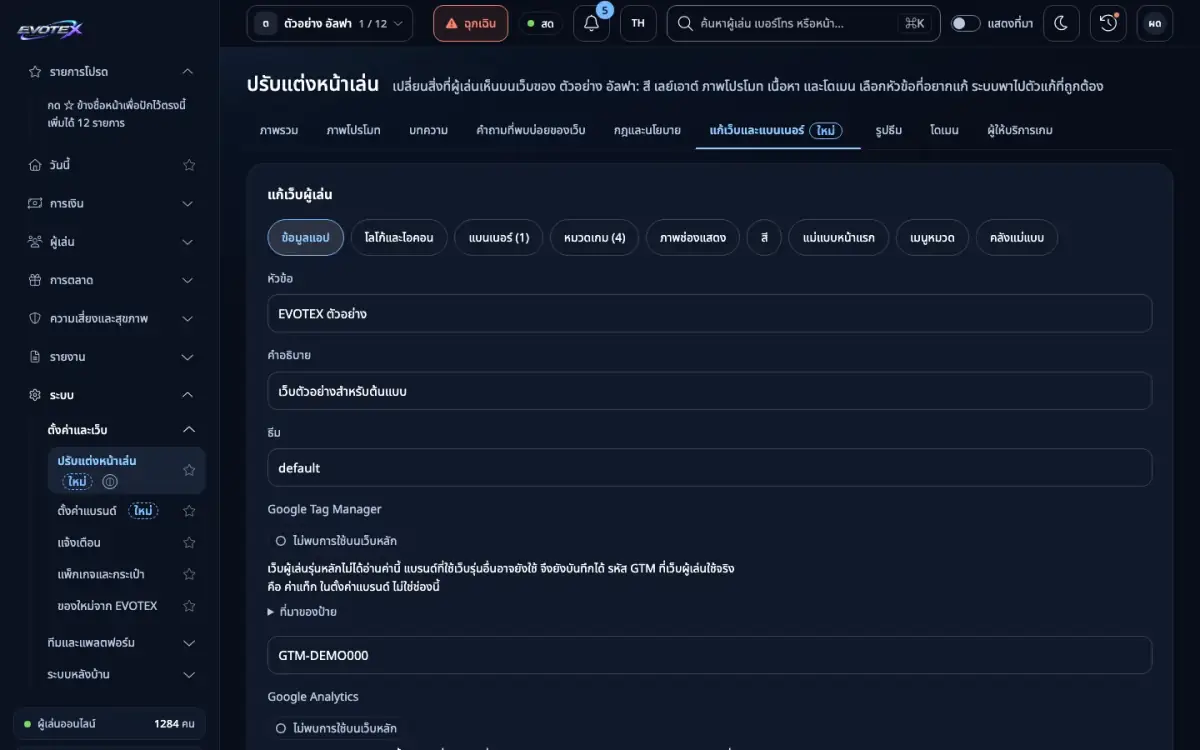
The Player site page in the back office can change two logos, a light one and a dark one, and can change the site icon, the loading image, and the banners separately for desktop and mobile (can be tried in the demo). A banner link has to be https.
The tips below are general advice from working with brand images, not EVOTEX requirements.
- Send the logo as a file with a transparent background, and send a vector file too if you have one
- Make two logos from the start. The one for a dark background often needs the text color changed. If you send only one, our team has to ask you back
- Try shrinking the logo to the size of a site icon before you send it. If it can't be read when small, make a separate short version
- Keep banner text short and leave margins, because the same image is cropped differently on desktop and mobile
- For the image sizes you need, ask our team when work starts, because this page has no confirmed size numbers
- Banner text about the rules of the market you open is something to talk through with your own legal adviser
The back office has two more image-related things: a PWA tab, which sets the image and icon of the player site version installed on a phone's home screen, and a switch to preview three screen sizes. The name shown under the app icon has no field to set in the demo yet. Ask our team how it is set.
Player site colors: try it in the demo before you send us your colors
For colors, read every label. Everything in this section can be tried in the demo. The data is sample data, and it hasn't been saved to any real brand. Saving colors to a real brand is done at setup.
The Themes and colors tab on the Player site page works in this order:
- Pick a starting point from 12 ready-made color sets, or type a single brand color and have the system build a whole set from it
- A set has all 27 color slots, and it builds light mode and dark mode together. The admin chooses which mode players see first
- You can keep editing colors one slot at a time, and see the result in the preview right away
- Choose from 6 Thai fonts, adjust the font size from 13 to 18, and choose from 3 button shapes and 4 card styles
- Preview the site at three screen sizes: mobile, tablet, and desktop. There is a button to compare with the saved version and a full-screen view button
- The Templates section in the editor has 8 page layouts to choose from. This is the choice inside the editor, not the number of templates included in the package
The 12 ready-made color sets split into 7 dark ones and 5 light ones.
| Mode | Color set names in the demo |
|---|---|
| Dark background | Siam Gold, Jade Green, Ruby, Sunset, Amber, Deep Sea, Coral |
| Light background | Thai Sea, Leaf, Pink Lotus, Silver Gray, Olive |
The system has a checker for whether colors are readable. It checks 21 color pairs, such as text on a background and text on a button. Each pair has its own minimum.
- 17 pairs: the text must differ from the background by at least 4.5 times
- 3 pairs: shapes and disabled text must differ by at least 3 times
- 1 pair: the border must differ by at least 1.5 times
A pair that is hard to read shows a label saying it should be fixed, and a button to adjust it for readability. The warning doesn't stop you saving. The admin decides. These numbers are calculated from the color contrast ratio formula, and you can recheck them with a common contrast checker. It is a tool to help you look, not a certificate of any kind.
What to say plainly:
- Drafts, scheduled publishing, version history, theme files, and copying a theme from another brand are samples on the page. The page says itself that there is no storage and drafts are temporary. Close the page and they are gone
- How colors set in the back office reach the real player site, and when, is something to ask our team when you agree the scope
- The color preview in the demo is a drawing of a web page, not any brand's real player site
If you aren't sure about colors, send one brand color with examples of work you like. Our team can set up the color set for you. For changing colors after launch, see the section What to ask our team.
Home page text, the title in Google, and the share image
The Content and SEO tab lets you set the page title and the description shown in Google, page by page. It has a character counter (title no more than 60 characters, description no more than 160), and a preview box showing how the search result and the image when a link is shared in LINE or Facebook will look.
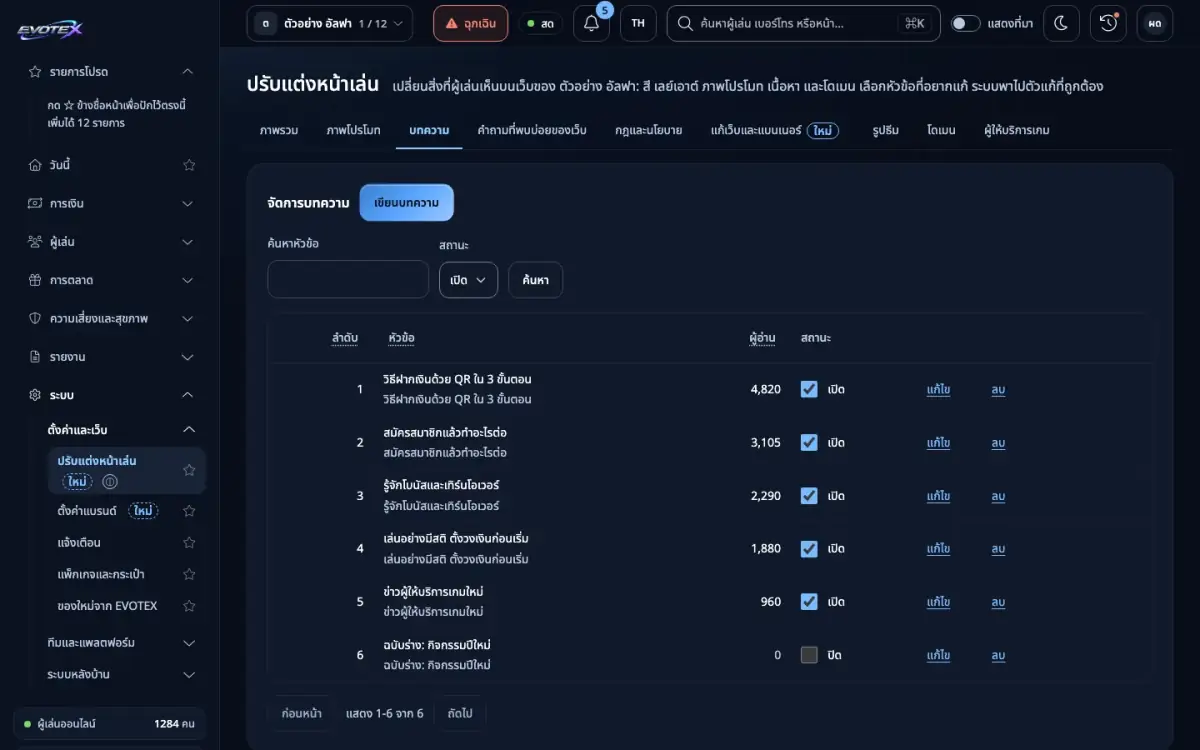
This tab's label is sample. The screen says itself that what you enter hasn't been sent to a real system. The per-page SEO fields and the home page text are drafts on the screen. At setup, our team will tell you how this text is put into the system. So what you should prepare is the text you want shown. You don't need to fill everything in the demo.
Prepare three pieces of text to send:
- The title of the brand's home page, no more than 60 characters
- The description of the home page, no more than 160 characters
- The image shown when a link is shared, which can often be the logo or the main banner
A day-by-day plan: an example of 7 working days
This table is the plan we recommend. It isn't a schedule agreed in a document. Our team will arrange the real work by the size of each brand's job.
| Working day | You do | Our team does | End of day you should have |
|---|---|---|---|
| 1 | Send everything, all 10 points | Check that the files are usable, and ask back if anything is missing | A list of what is complete or still missing |
| 2 | Answer questions about the files | Put the brand name and logo into the chosen template | A player site with the name and logo on it |
| 3 | Confirm the brand color | Set up the color set and the font | A player site in the brand's colors |
| 4 | Confirm the banner text | Put in the banners, the icon, and the loading image | A home page with every image in place |
| 5 | Look at the player site preview and note what to fix | Send the preview for you to look at | The first round fix list |
| 6 | Answer the fix round | Fix as listed | A fixed version of the player site |
| 7 | Do the final check and confirm | Check on mobile and desktop | A branded player site, ready to use |
This table puts in two days for the fix round. If you decide quickly, the work can finish sooner than this. If you fix many rounds, the number of days will go over.
What makes the 7 days slip
This section is general advice from work that has to wait for things from customers. It isn't a statement of fact about EVOTEX.
- Not sending everything on day one, then sending pieces one at a time
- A logo with only one version, or an image that can't be shrunk
- Not deciding on colors, then changing your mind midway
- Several people giving opinions with no single person who decides
- Asking for extra player site customization beyond the template. Extra customization is an add-on, charged per request. See the numbers on the packages page
- Asking to change the template after adaptation has started, because the 7-day clock starts after you choose a template
What helps most is naming one person as the decision maker on brand matters, and having that person be the only one who talks to our team.
What to ask our team
This page can't confirm these things, so ask when you agree the scope.
- What sizes and file types of logo, banner, and icon you need to send
- Whether every template accepts the chosen colors equally
- How colors set in the back office reach the real player site, and how long it takes
- Whether changing colors or banners after launch costs anything, and whether you do it yourself or send it to our team
- Where the name shown under the app icon is set
- How the SEO text and the home page text are put into the system, because in the demo they are drafts
- If you send things later than agreed, whether the 7-working-day clock stops or keeps running
- If you ask for extra player site customization later, how long it takes and how it is charged
Keep reading
- The plan to open a brand in 14 to 21 working days: see where this 7-day work sits in the whole plan
- Launch checklist: 10 points: what to prepare beyond the brand work
- Connectable game providers, and turning individual providers on or off: point 10 of the checklist
- The player site templates page (page in Thai): look at the template images and the sample colors before you choose
- Controlling the player site from the back office (page in Thai): the Player site page, feature by feature
- Try the back office with sample data (page in Thai): try choosing a color set right away, with no sign-up
Our team's target is to adapt the player site to your brand within 7 working days after you choose a template, and to open a new brand within 14 to 21 working days after the scope is agreed. See what the package includes on the packages and pricing page (page in Thai)
Related features
- Preview at 3 screen sizes before you save sample in the demo
Related reading
The plan to open a new brand in 14 to 21 working days
The target is to open a new brand within 14 to 21 working days after the scope is agreed.
Launch checklist
What to prepare before launch day
Connectable game providers, and turning individual providers on or off
EVOTEX can connect 28 game providers or more, counted from names found on the example player site. It is a minimum, not the size of the whole catalog.

Request a demo
Want our team to look at the real thing with you? Request a demo.